1826a46e06
|
||
|---|---|---|
| dotfiles | ||
| popos-gnome | ||
| .gitignore | ||
| README.md | ||
| stow | ||
README.md
Pop-os - Gnome - Tmux - Fish - Vim - FZF - Serious Configuration - Shawn Anderson
These are the dotfiles that I hack on. Can easily be installed to your ~/.config/ by using the gnu stow utility.
To install:
-
Install Requirements
sudo apt install stow xcape fish tmux neovim jq
-
Change default shell to fish
chsh -s `which fish`
Logout and Login -
Clone the repo
git clone git@github.com:LinuxIsCool/configuration.git
-
Symlink into ~/.config using stow
cd configuration
sh stow -
Install autojump
sudo apt install python
git clone git://github.com/wting/autojump.git && cd autojump && python install.py -
Install fzf
git clone --depth 1 https://github.com/junegunn/fzf.git ~/.fzf
~/.fzf/install -
Run fisher to autoload all the fish plugins
fisher
-
Install virtualfish
pip3 install virtualfish
vf install -
Install Tmux plugin manager
git clone https://github.com/tmux-plugins/tpm ~/.config/tmux/plugins/tpm
tmux
prefix + I -
Install a nerd font like Hack Regular (otf prefered over ttf):
https://github.com/ryanoasis/nerd-fonts/blob/master/patched-fonts/Hack/Regular/complete/Hack%20Regular%20Nerd%20Font%20Complete.ttf
Terminal -> Preferences -> Text -> Font -> Hack Nerd Regular -
Make sure essentials is autoloading
essentials
-
Gnome tweaks
Add week numbers to calendar:
gsettings set org.gnome.desktop.calendar show-weekdate trueAdd Weekday to panel date:
gsettings set org.gnome.desktop.interface clock-show-weekday trueMake alt-tab workspace specific:
gsettings set org.gnome.shell.app-switcher current-workspace-only trueAllow switcher when in full screen:
Extensions -> Pop Shell Settings -> Allow launcher over fullscreen window
Popos-Gnome
In addition to the script-based configuration, I'll do my best to track and document my debian-gnome-popos settings, to make them as reproducable as possible.
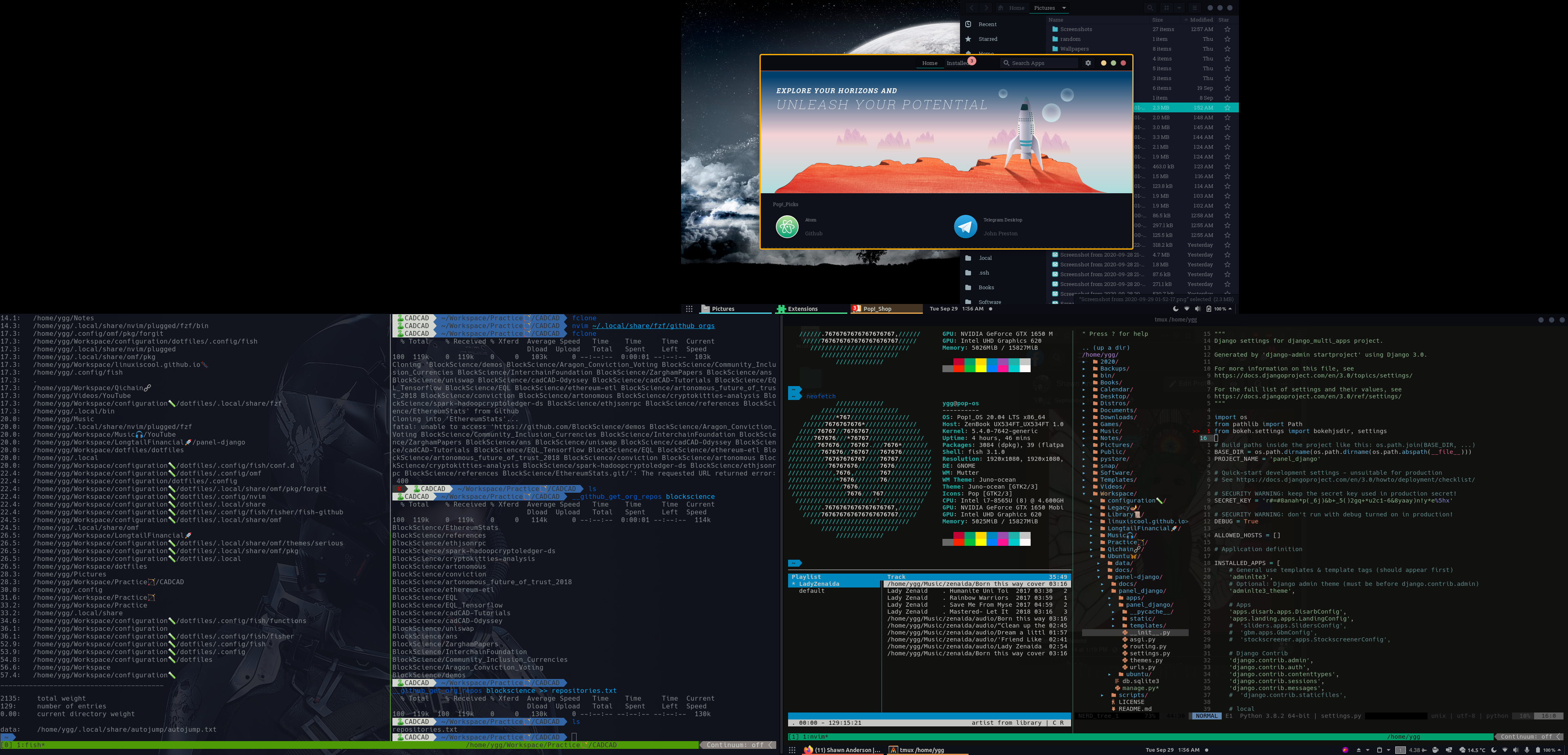
Aesthetic-wise, I'm currently using the Juno-Ocean Gnome theme, as per recommended by @mattcoding4days, and my vim theme is quantum, as per Matt's recommendation as well.
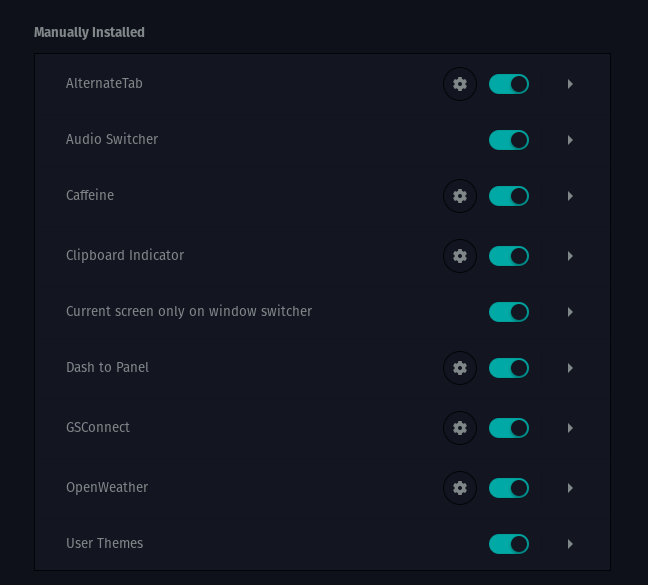
Installed Extensions