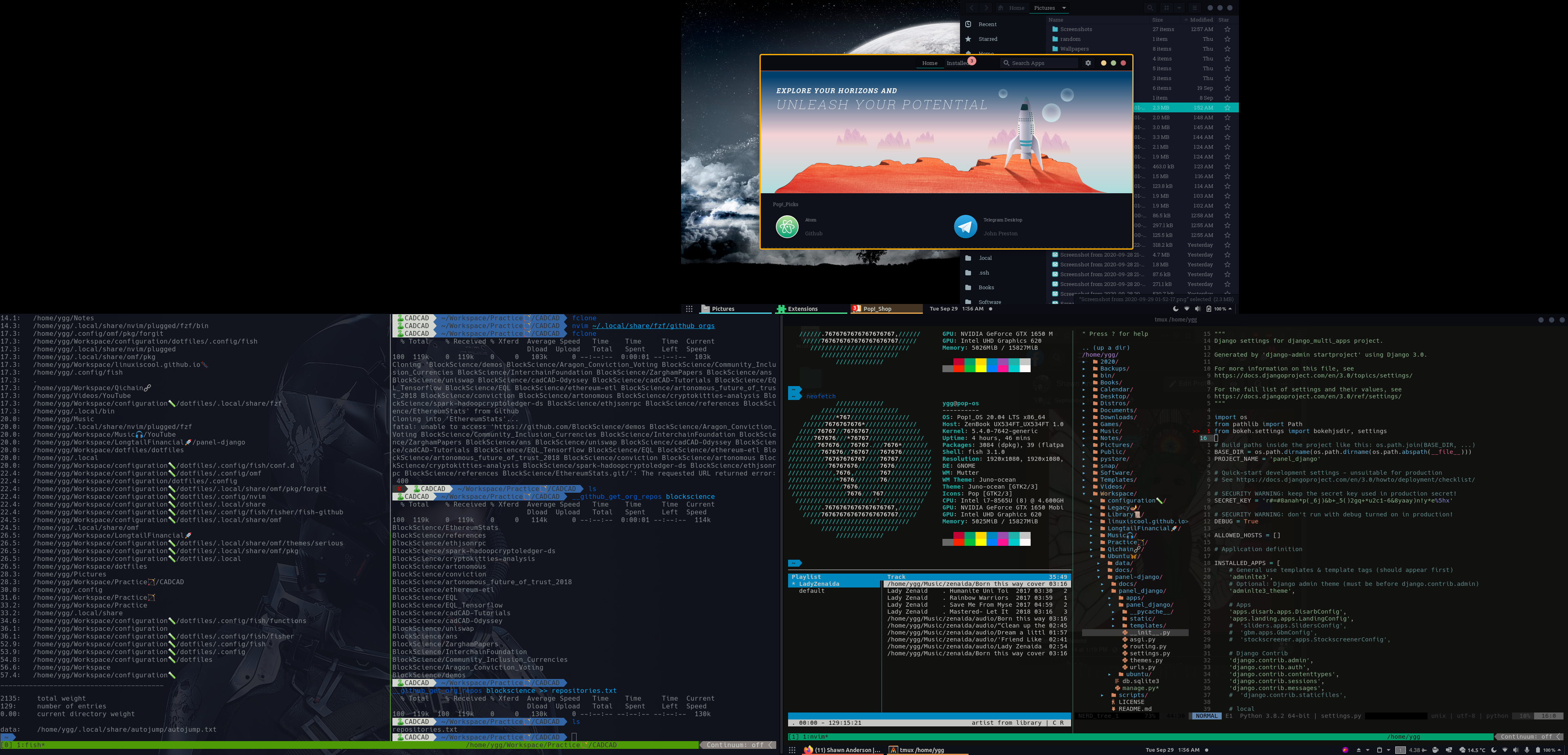
# Pop-os - Gnome - Tmux - Fish - Vim - FZF - Serious Configuration - Shawn Anderson
These are the dotfiles that I hack on. Can easily be installed to your ~/.config/ by using the gnu stow utility.
To install:
1. Requirements
sudo apt install stow xcape fish tmux neovim jq
Change default shell to fish
chsh -s `which fish`
Install nvm
https://github.com/nvm-sh/nvm
Logout and Login
2. Clone the repo
git clone git@github.com:LinuxIsCool/configuration.git
3. Symlink into ~/.config using stow
cd configuration
sh stow
4. Run fisher to autoload all the fish plugins
fisher
4. Optional Upgrades
Run the essentials script for faster repeat key and remapping caps lock:
essentials
Install virtualfish:
pip3 install virtualfish
vf install
Install Tmux plugin manager:
git clone https://github.com/tmux-plugins/tpm ~/.config/tmux/plugins/tpm
tmux -> prefix + I
Install Nerd Hack Regular:
https://github.com/ryanoasis/nerd-fonts/blob/master/patched-fonts/Hack/Regular/complete/Hack%20Regular%20Nerd%20Font%20Complete.ttf
Terminal -> Preferences -> Text -> Font -> Hack Nerd Regular
Add week numbers to calendar:
gsettings set org.gnome.desktop.calendar show-weekdate true
Add Weekday to panel date:
gsettings set org.gnome.desktop.interface clock-show-weekday true
Install Autojump:
https://github.com/wting/autojump
# Popos-Gnome
In addition to the script-based configuration, I'll do my best to track and document my debian-gnome-popos settings, to make them as reproducable as possible.
Aesthetic-wise, I'm currently using the Juno-Ocean Gnome theme, as per recommended by @mattcoding4days, and my vim theme is quantum, as per Matt's recommendation as well.
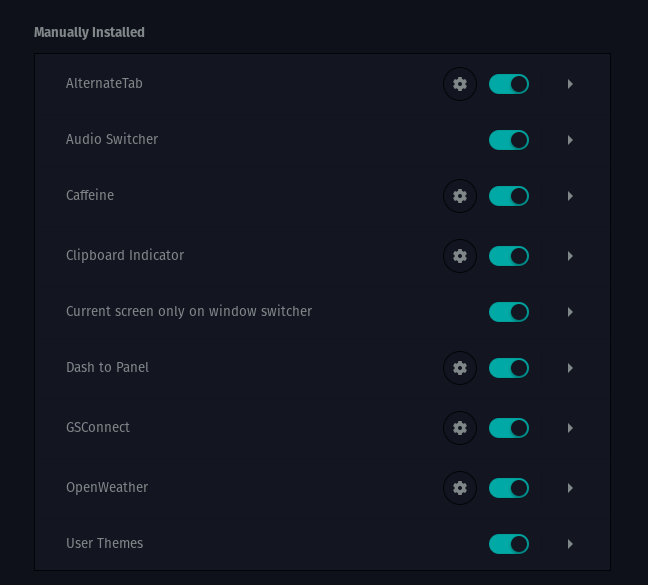
## Installed Extensions