 43f69601f2
|
||
|---|---|---|
| .. | ||
| components | ||
| pages | ||
| public/assets | ||
| .babelrc | ||
| README.md | ||
| env.example | ||
| image.png | ||
| index.js | ||
| next.config.js | ||
| package.json | ||

README.md
Live Streaming
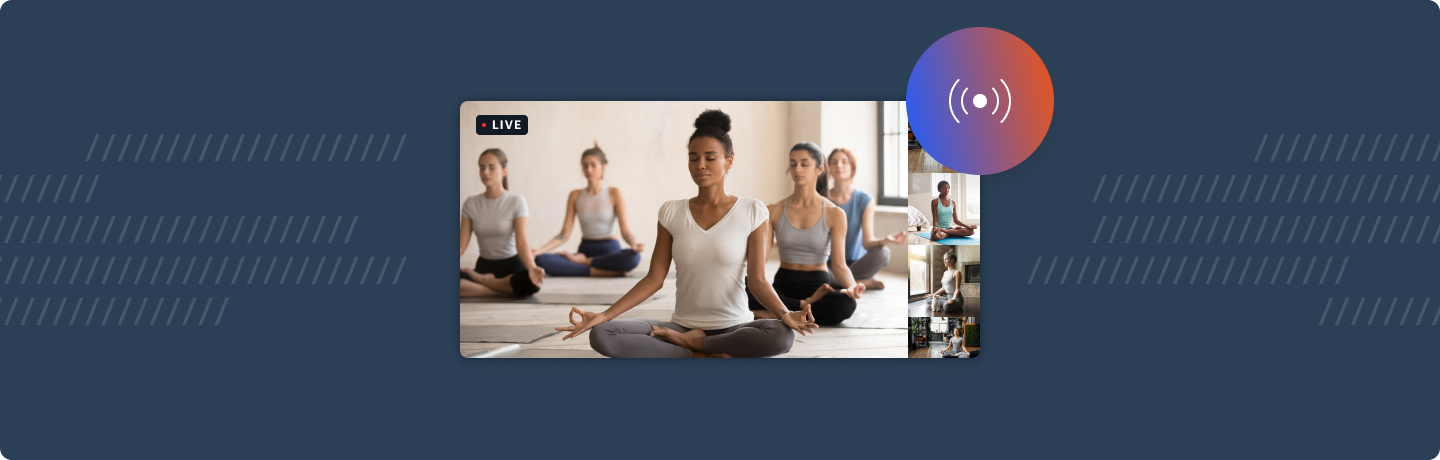
Live example
What does this demo do?
- Use startLiveStreaming to send video and audio to specified RTMP endpoint
- Listen for stream started / stopped / error events
- Allows call owner to specify stream layout (grid, single participant or active speaker) and maximum cams
- Extends the basic call demo with a live streaming provider, tray button and modal
- Show a notification bubble at the top of the screen when live streaming is in progress
Please note: this demo is not currently mobile optimised
Pre-requisites
To use this demo, you will need to create a Daily account and a Daily room.
You will also need to enter an RTMP URL in the demo UI to start a live stream. To learn more about where to find this value, please read Daily's live streaming guide. You may also find the live streaming with AWS's IVS tutorial helpful.
Getting started
# set both DAILY_API_KEY and DAILY_DOMAIN
mv env.example .env.local

yarn
yarn workspace @custom/live-streaming dev
How does this example work?
In this example we extend the basic call demo with live streaming functionality.
We pass a custom tray object, a custom app object (wrapping the original in a new LiveStreamingProvider) and a custom modal. We also symlink both the public and pages/api folders from the basic call.
Single live streaming is only available to call owners, you must create a token when joining the call (for simplicity, we have disabled the abiltiy to join the call as a guest.)