 211beeba2f
|
||
|---|---|---|
| .. | ||
| components | ||
| contexts | ||
| pages | ||
| public/assets | ||
| .babelrc | ||
| README.md | ||
| env.example | ||
| image.png | ||
| index.js | ||
| next.config.js | ||
| package.json | ||

README.md
Live Streaming
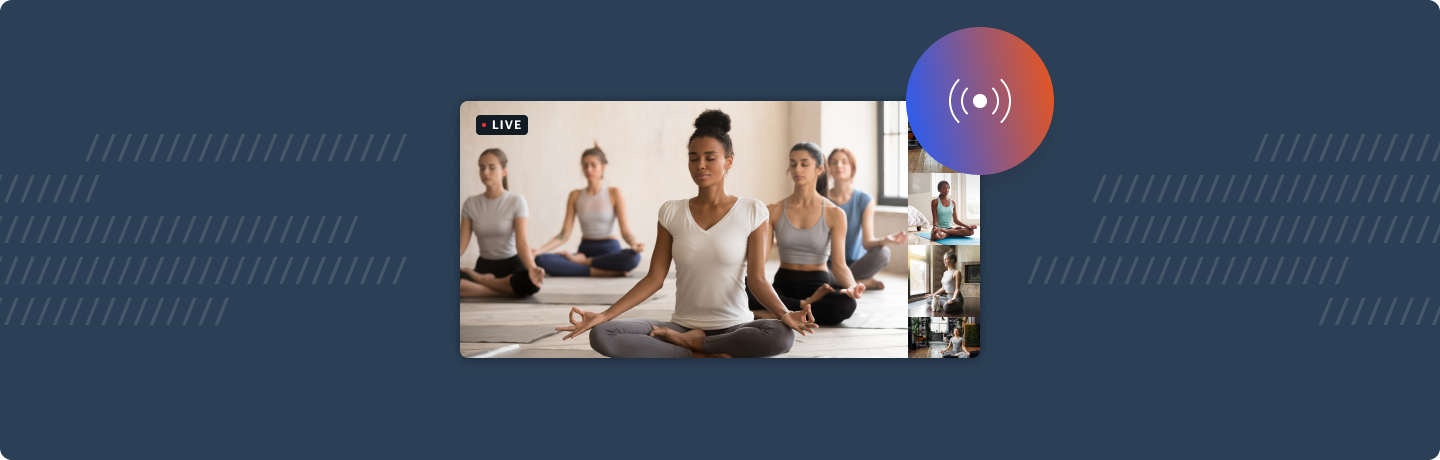
Live example
What does this demo do?
- Use startLiveStreaming to send video and audio to specified RTMP endpoint
- Listen for stream started / stopped / error events
- Allows call owner to specify stream layout (grid, single participant or active speaker) and maximum cams
- Extends the basic call demo with a live streaming provider, tray button and modal
- Show a notification bubble at the top of the screen when live streaming is in progress
Please note: this demo is not currently mobile optimised
Getting started
# set both DAILY_API_KEY and DAILY_DOMAIN
mv env.example .env.local

yarn
yarn workspace @dailyjs/live-streaming dev
How does this example work?
In this example we extend the basic call demo with live streaming functionality.
We pass a custom tray object, a custom app object (wrapping the original in a new LiveStreamingProvider) and a custom modal. We also symlink both the public and pages/api folders from the basic call.
Single live streaming is only available to call owners, you must create a token when joining the call (for simplicity, we have disabled the abiltiy to join the call as a guest.)